We provide simple, easy-to-understand legal guidance and recommend tools to help you handle legal documents without expensive lawyers.
Create Your Bill of Sale: A Detailed Step-by-Step Guide (with Pictures)
No stress, no guesswork – just a professional document, fast
DAILY LIFE
4/15/20264 min read
Here's a super practical guide that walks you through our online bill of sale generator step by step, so you can create your own document without all the stress and hassle of drafting legal paperwork from scratch.
If you're still not sure what a bill of sale is or when you'd need one, head over and read this [article ]first.
If you are ready. Click {online bill of sale tool} to get started.
Step one:
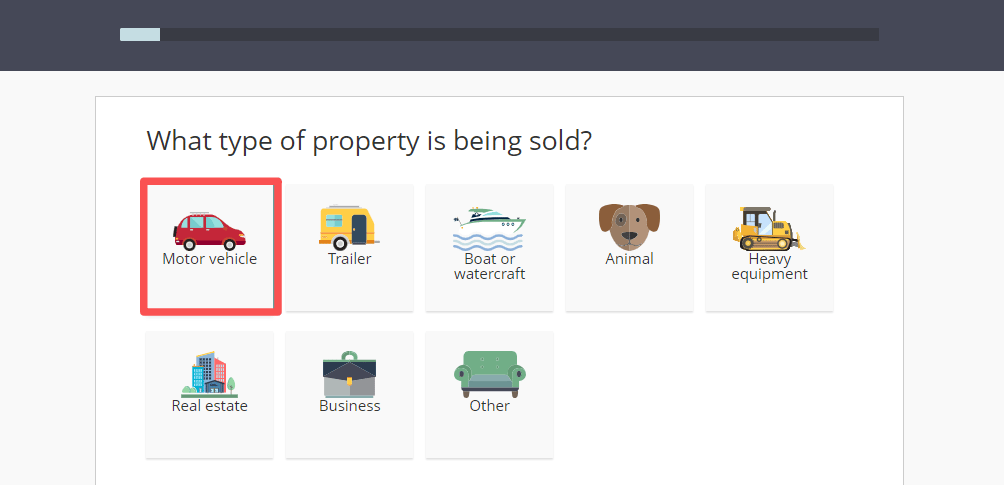
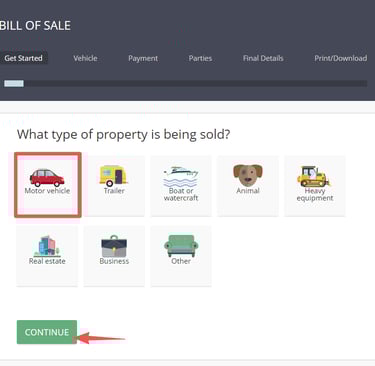
Select the type of property you're selling. Let's use a motor vehicle as an example here — it's one of the more commonly traded assets in everyday life. Go ahead and pick "Motor vehicle," then click Continue.
Step two:
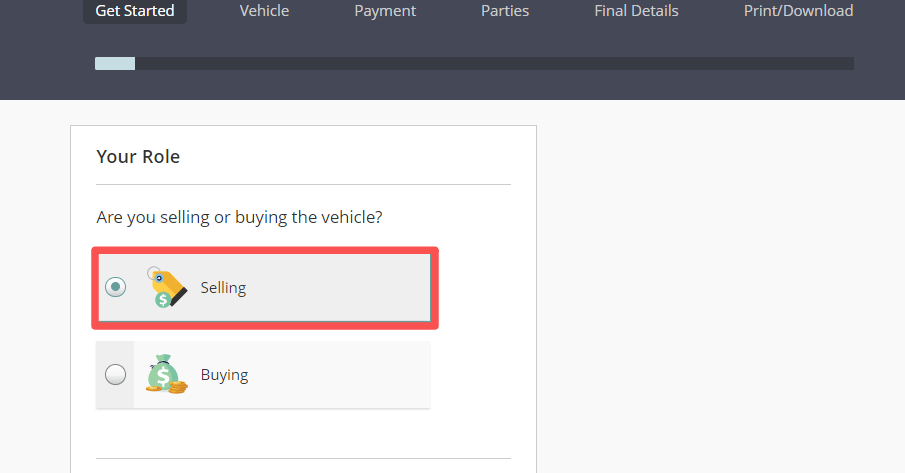
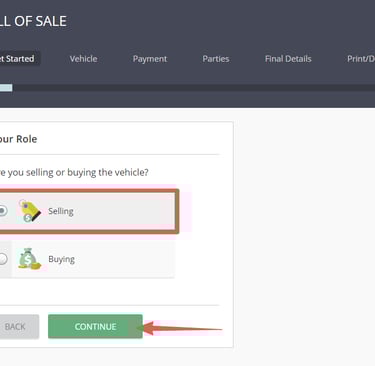
Now let's select "Selling."
Step three:
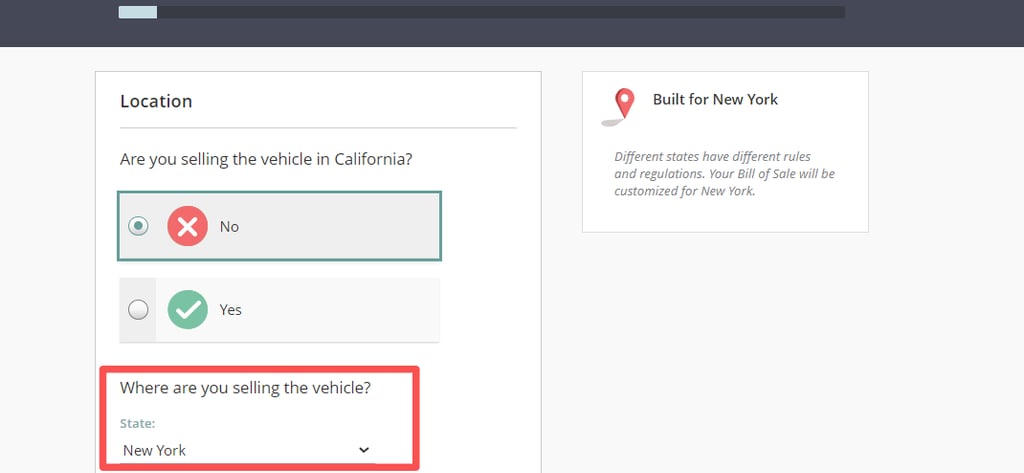
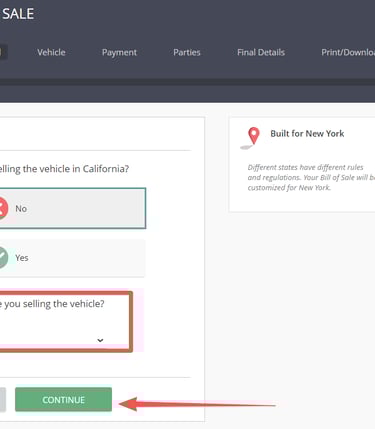
Select the state you're in. Heads up — this part is really important. Different states have different rules, so make sure you pick the state where the sale is actually happening. This is where the tool really shines: it adapts to your state's requirements, saving you from the potential risks and headaches of using some random template you found online. Let's go with New York as an example here.
Step four:
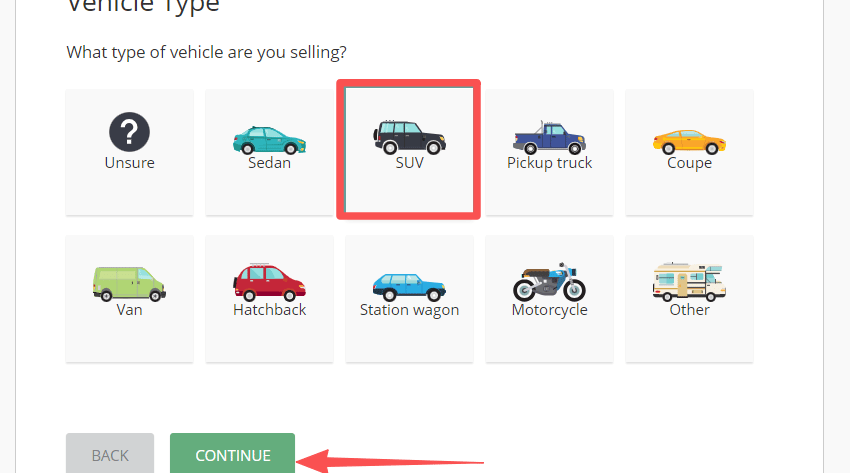
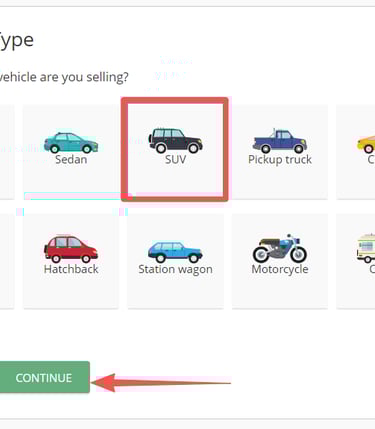
Select the type of vehicle you're selling. Let's go with SUV as an example.
Step five:
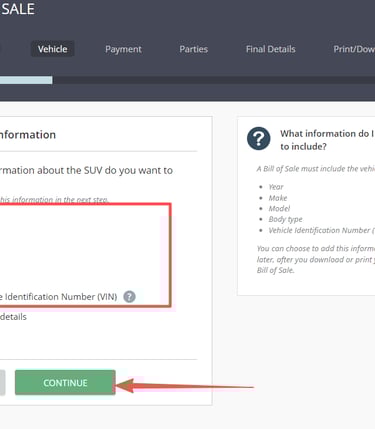
This is another key step. To avoid any disputes or headaches down the road, you'll want to provide as much detail as possible. It's highly recommended that you check off these options.
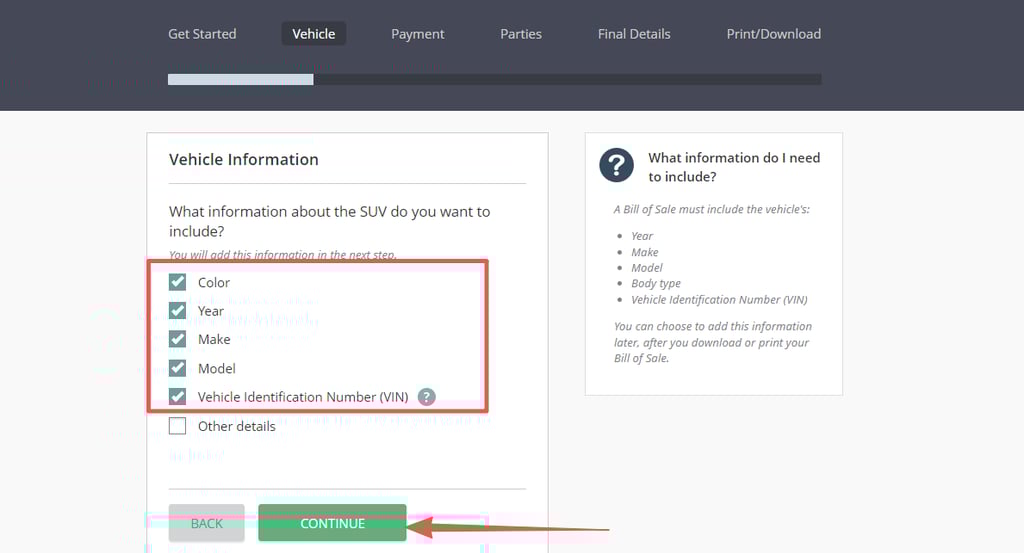
Step six:
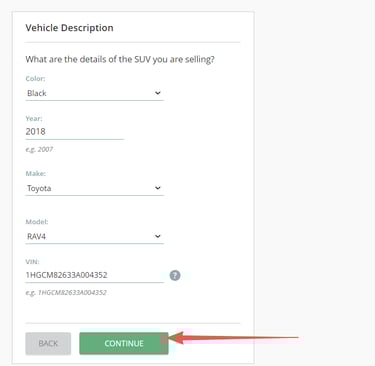
Now just pick the accurate info for your vehicle.
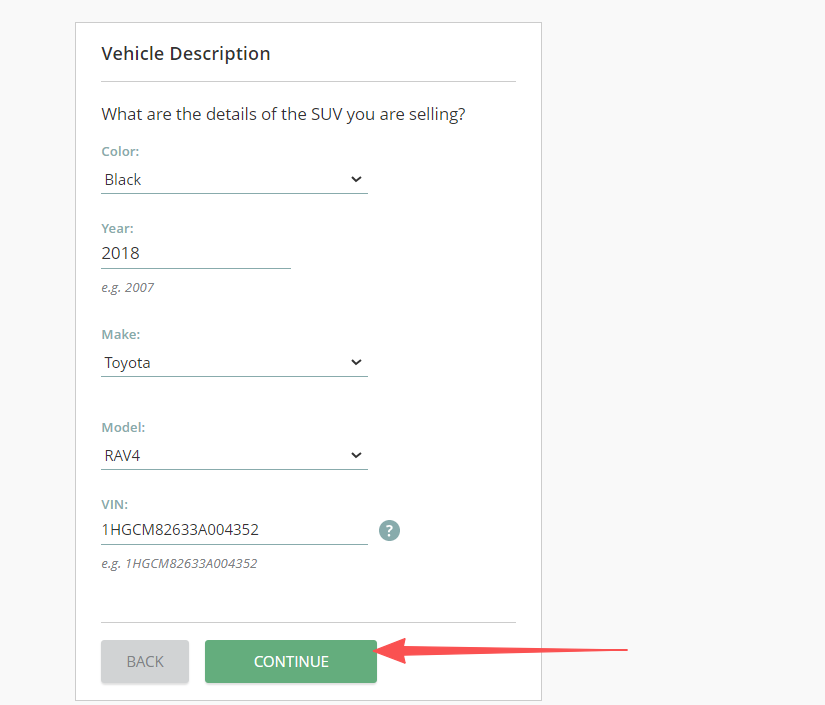
Step seven:
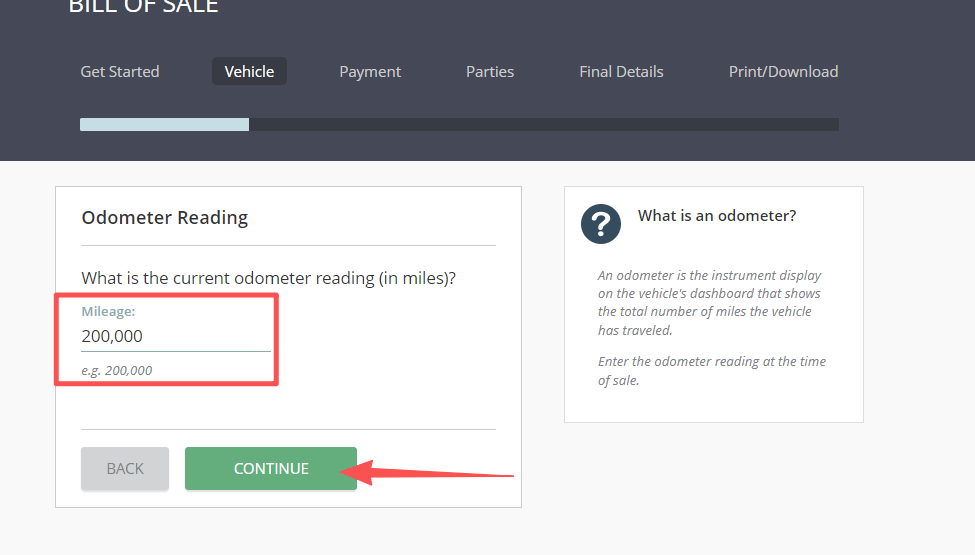
Please select the accurate information for your vehicle, then click Continue. Enter the true odometer reading and click Continue again. Be honest here — no funny business.
Step eight:
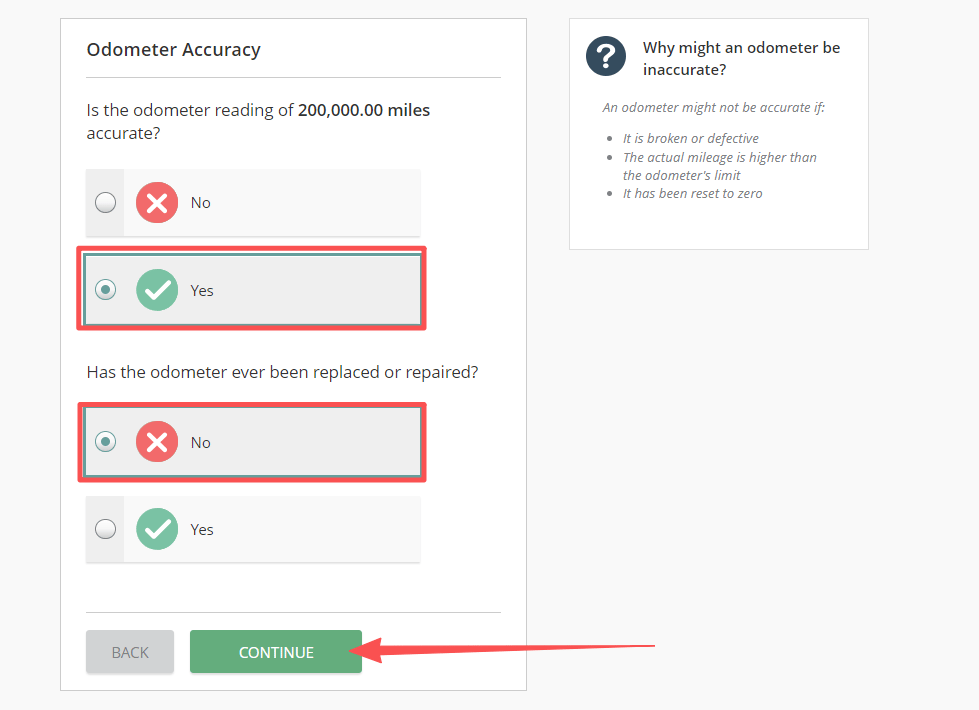
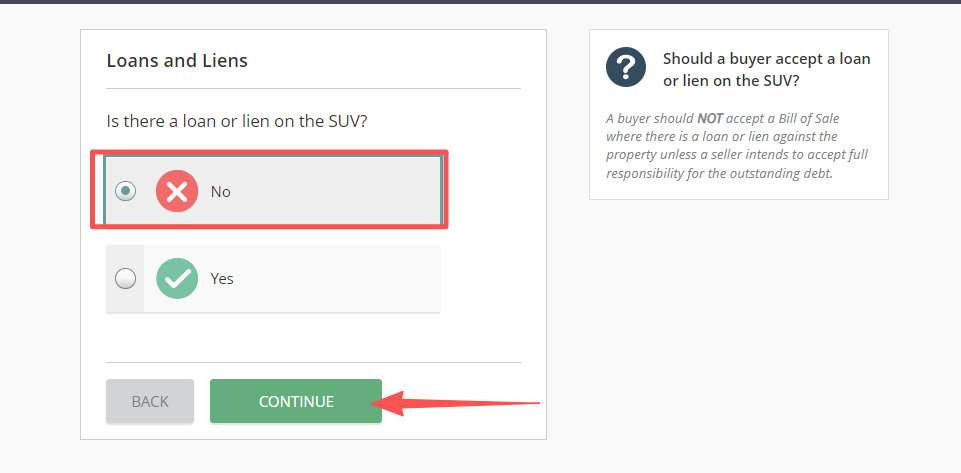
Here, we'll go with "No."
Step nine:
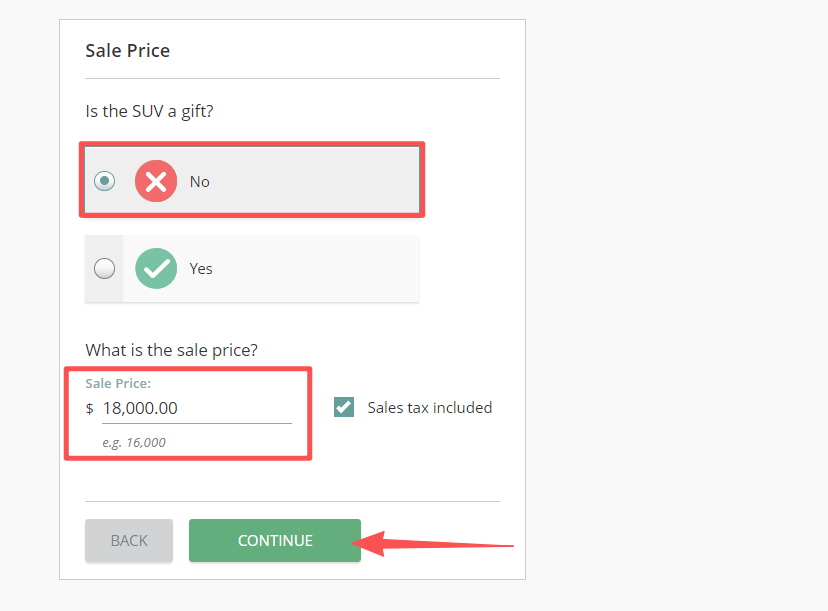
Here we'll go with "No." And just a heads-up — the sale price is the current price, not what you paid for the car back when you bought it. Don't mix those up.
Step ten:
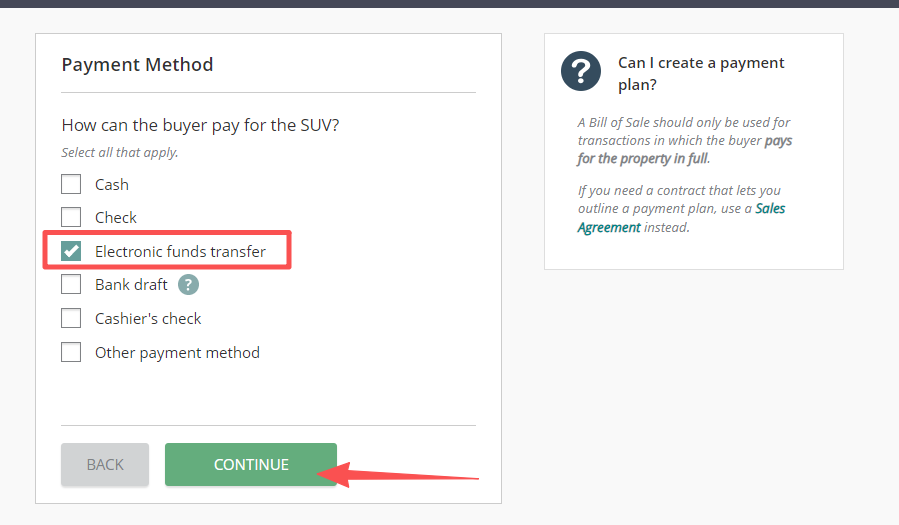
For the payment method, just pick whatever applies to your situation. Here, we'll use electronic funds transfer as an example.
Step eleven:
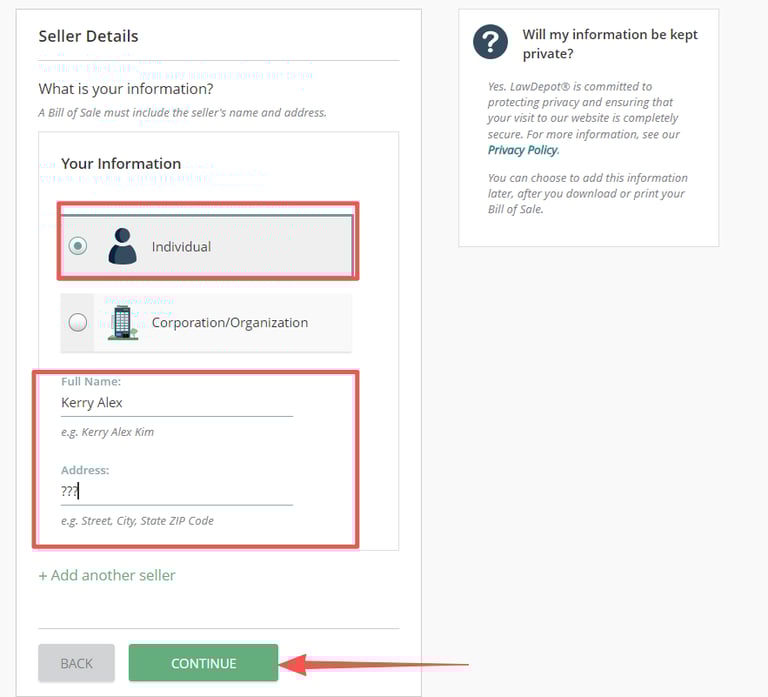
Go ahead and fill in your real info and the buyer's details — just have fun with it. And don't worry, your information won't be leaked or misused. It'll all be included in your final document.
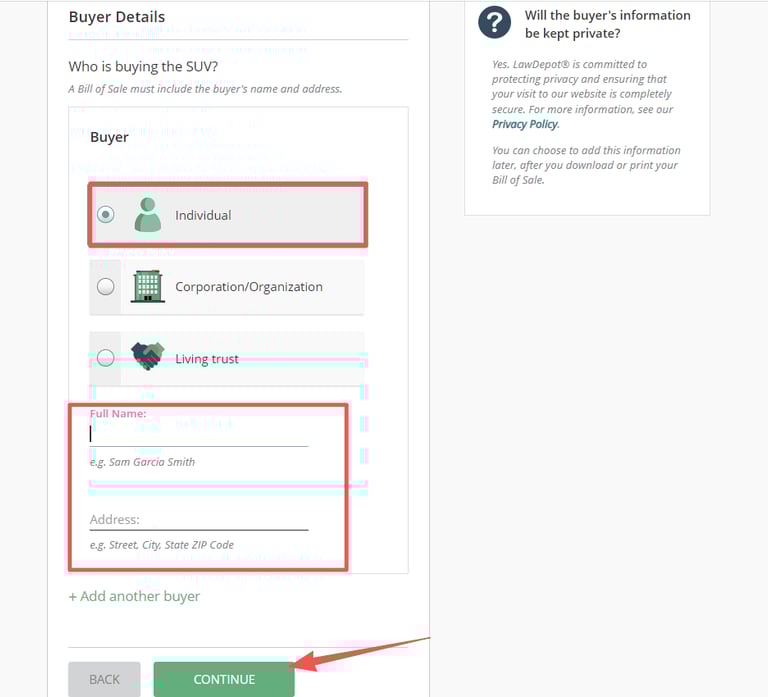
Step twelve:
Additional Clauses. Feel free to add any extra details or descriptions about the vehicle if needed — highly recommended if there's anything specific worth mentioning.
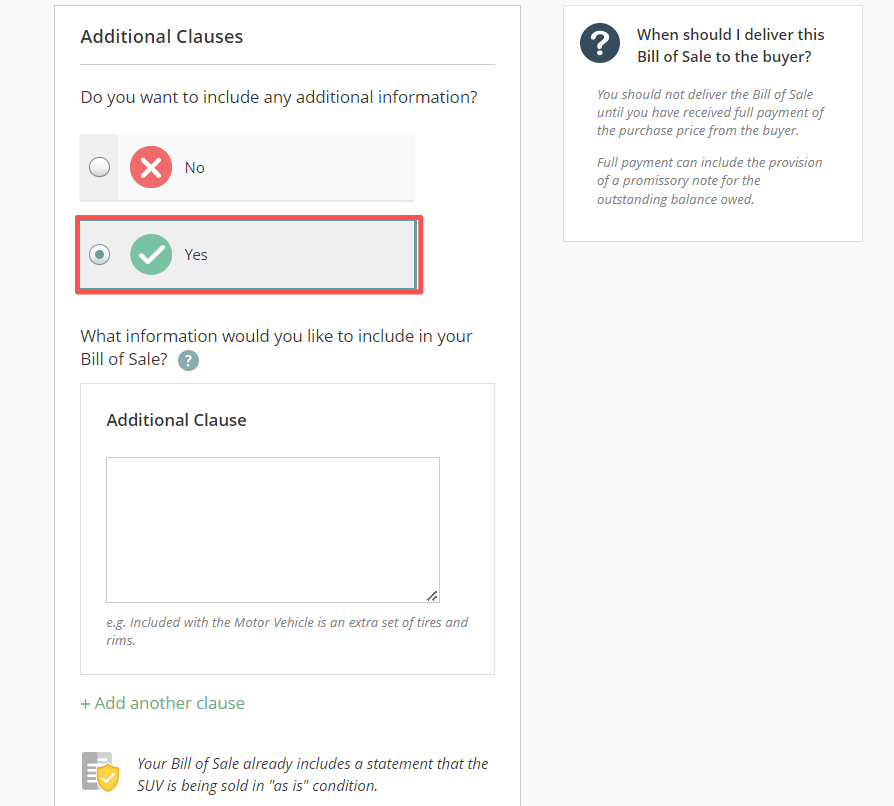
Step thirteen:
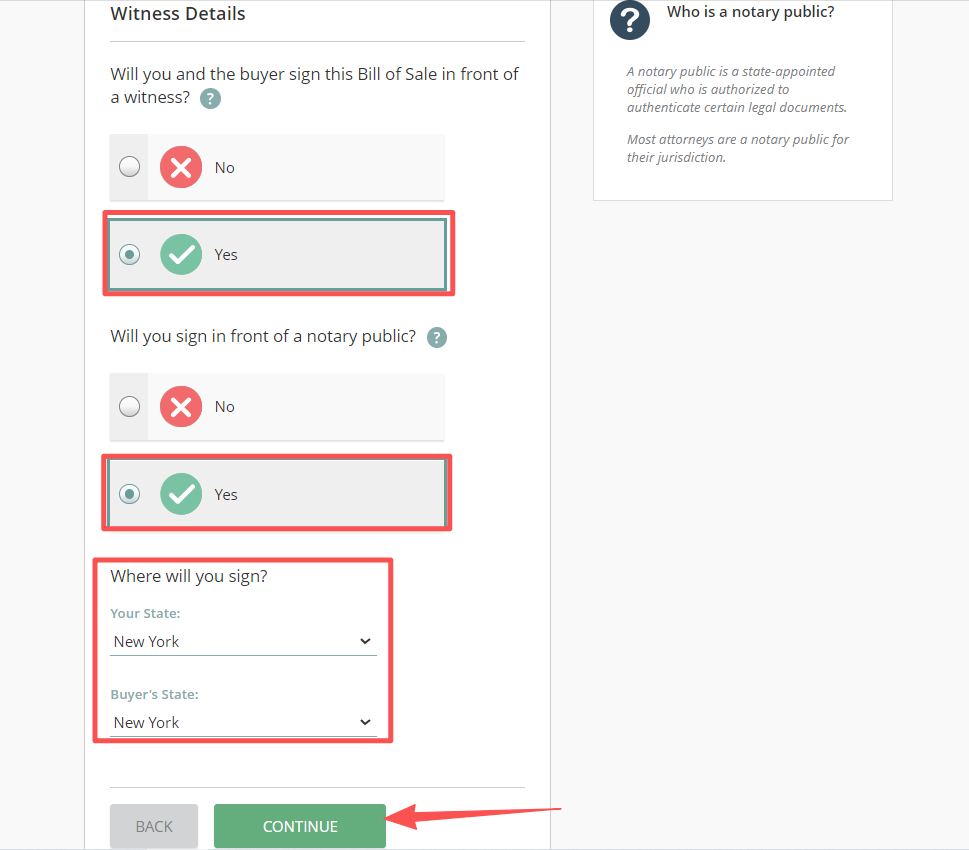
Witness details. Go with whatever fits your situation — but if you think there's any chance of a legal dispute down the road or you're not totally sure about the buyer's trustworthiness, I'd recommend selecting "Yes" for all of them.
Step fourteen:
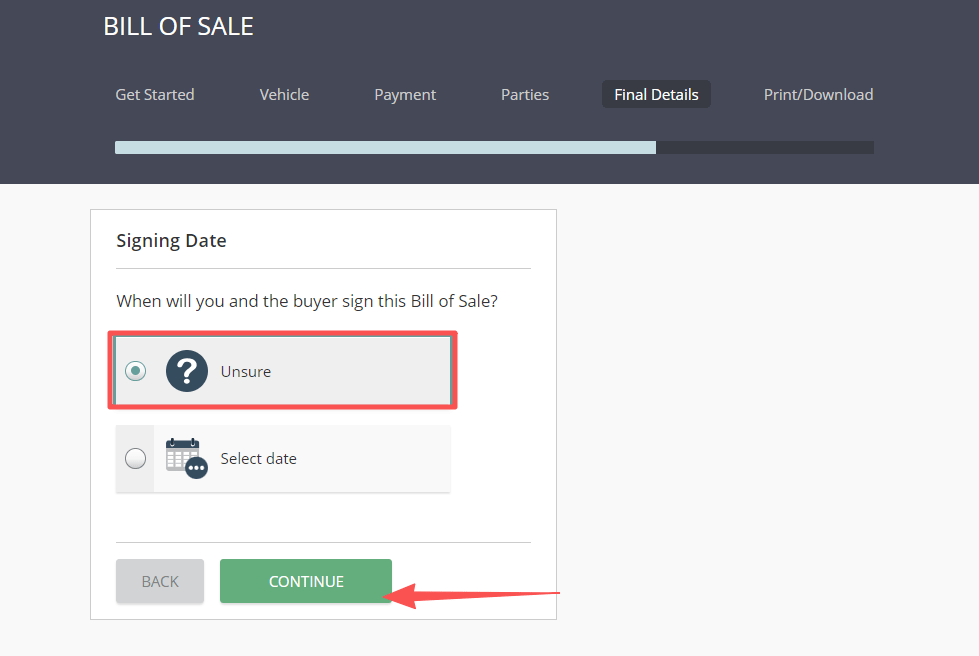
Congrats — you've made it to this step! Just pick the date when both parties will sign the bill of sale. If you're getting the document ready ahead of time and haven't settled on a date yet, just go with "Unsure."
And that's it — your document is all set! You can preview it in real time and print it out whenever you're ready.
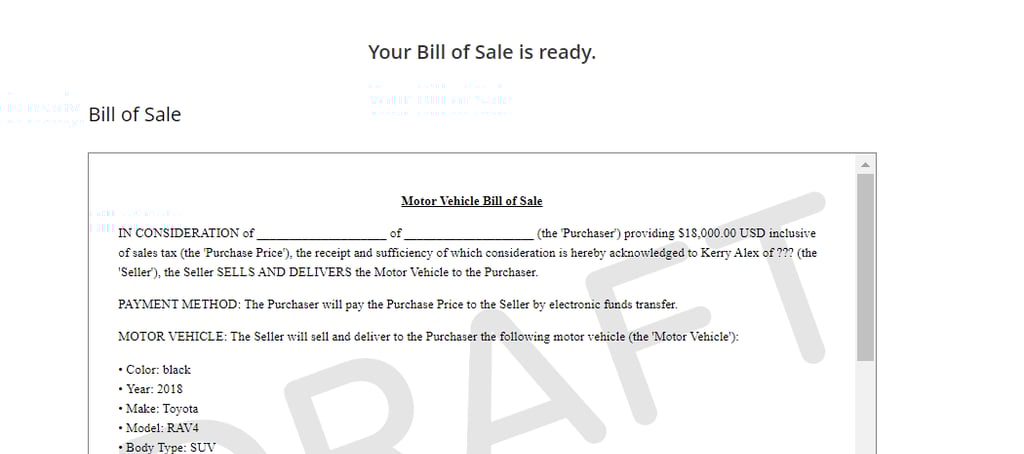
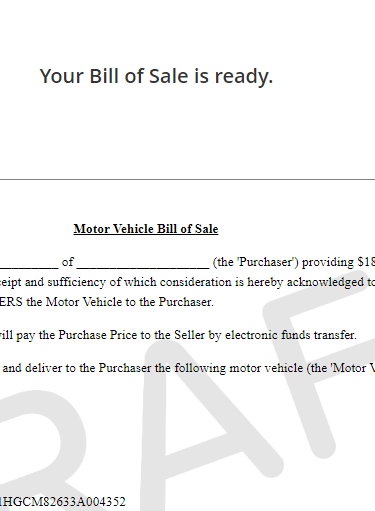
See? Super simple, right? In less than 10 minutes, you can create a professional bill of sale that actually complies with your state's laws — no more anxiety or feeling lost when it comes to drafting documents.
Final takeaways
To avoid any unnecessary legal headaches down the road, make sure you always select and fill in accurate information. No shortcuts, no funny business. Honesty comes first.
That said, this is just one of many features this powerful tool has to offer. You can use it to create all kinds of legal documents you might need — like power of attorney, rental agreements, and more.
If you're still stressing over document prep, click below and let's get started.